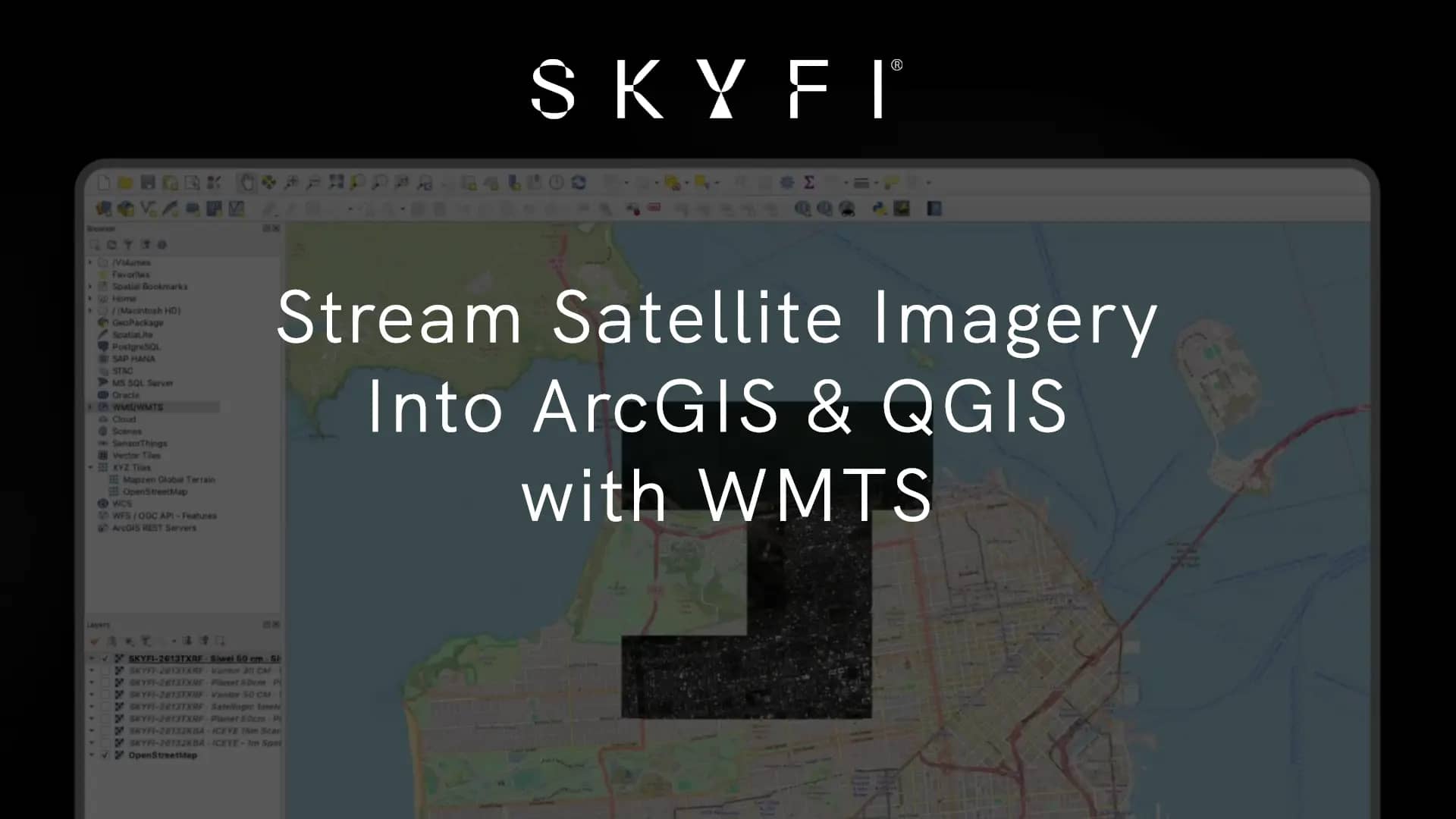
TL;DR: You can now stream high resolution satellite imagery directly into ArcGIS and QGIS as live map layers over the OGC WMTS standard. Copy one link from your order, paste it into your GIS, and your entire SkyFi catalog loads as named layers. No downloads. No band-fixing. No file conversion. Live now for SkyFi Pro and Enterprise customers.
If you work in a GIS, the tedious work of importing satellite imagery is all too familiar. Acquiring the image is a challenge in itself, and then comes the harder part: actually using it. The cycle is long and manual. Download the file, sort out the bands, re-project, import by hand, then do it all again for the next scene.
Today that loop is gone. WMTS streaming is live on the SkyFi platform, and it changes how your imagery reaches your map.
What's new: stream satellite imagery into your GIS
WMTS streaming lets you stream satellite imagery from SkyFi into your GIS tools as live map layers without downloading or converting files. It's built on WMTS (Web Map Tile Service), the Open Geospatial Consortium (OGC) standard that ArcGIS Pro, ArcGIS Enterprise, ArcGIS Online, QGIS, and TAK all support natively.
In plain terms: the imagery you've already ordered now behaves like any other professional layer in the tools you already run. You connect once, and it's there.
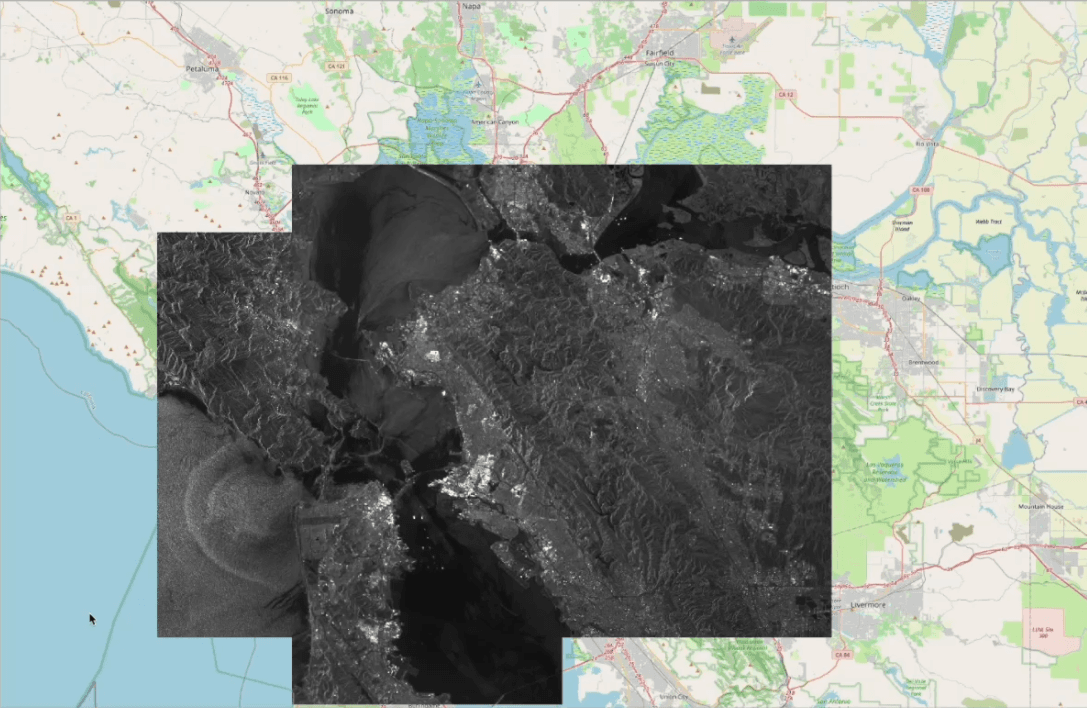
The manual workflow WMTS streaming replaces
Getting ordered imagery into a GIS used to look like this:
Download the image file.
Fix the bands.
Re-project and import it manually.
Repeat for every new scene.
That isn't a few clicks. It's a recurring cost for every analyst, on every order. One enterprise customer measured the loop at 45 to 60 minutes per image, and across a monitoring program running dozens of orders a month, those hours become a significant operational expense of their own.
WMTS streaming removes that step entirely.
How it works: one link, your entire SkyFi catalog
What makes this different from a per-file export is the connection model. You don't connect per image or per order. You connect once, and your full catalog populates as named layers.
Open any completed order in My Orders.
Go to Order Details → Download dropdown → "Copy WMTS Service Link."
Paste that single link into your GIS.
That one link pulls in every satellite image order your organization or account has ordered. As new imagery is delivere
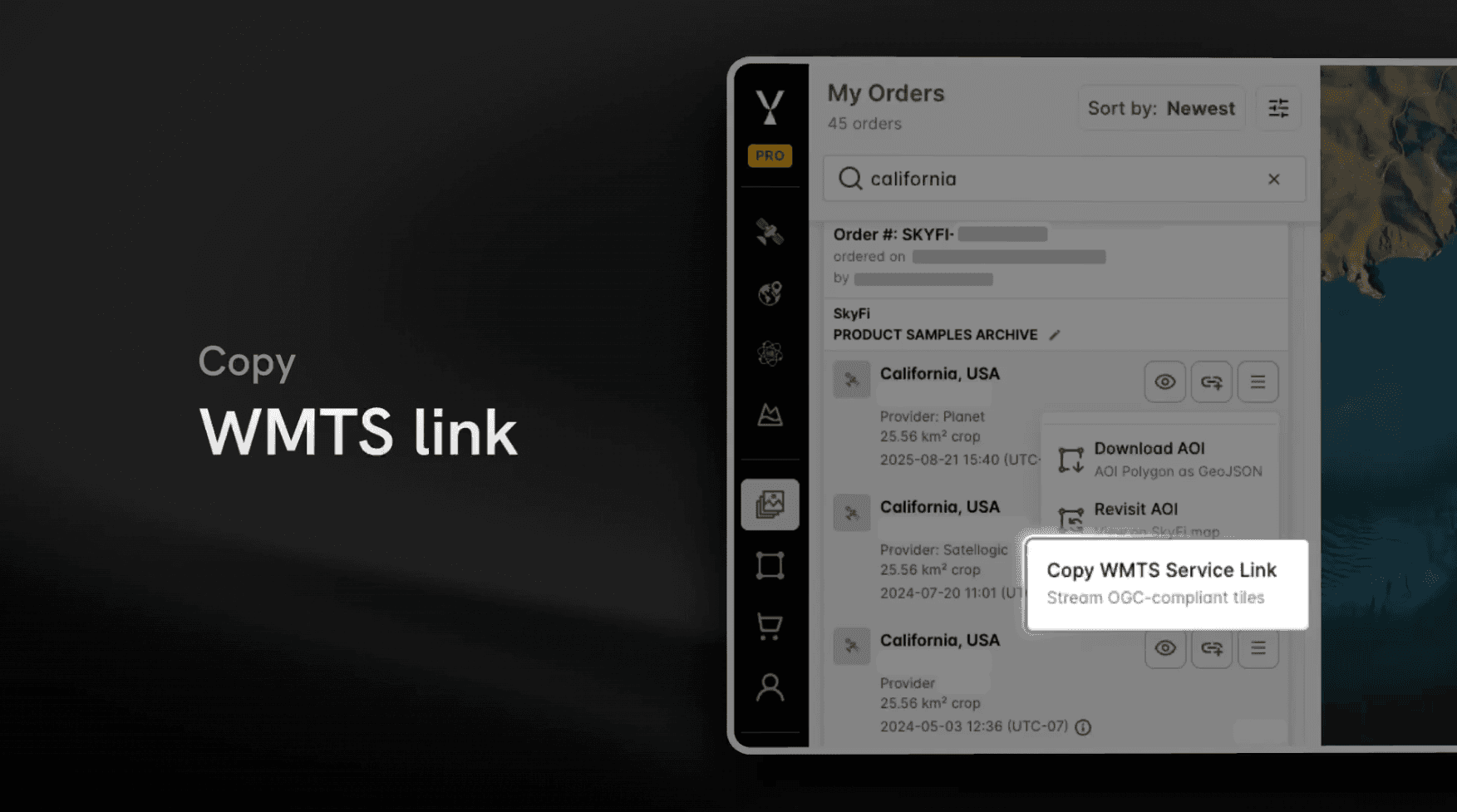
d, it appears automatically without reconnecting or re-importing. Your map layers stay current on their own.
How to connect high-resolution satellite imagery in ArcGIS or QGIS
WMTS is a standard, so connecting takes seconds in whatever environment you work in:
QGIS - In the Browser pane, right-click WMS/WMTS → New Connection, paste the link, and name it.
ArcGIS Pro - Go to Insert → Connections → New WMTS Server, then paste the link.
Why OGC WMTS support matters
By adopting WMTS, SkyFi makes high-resolution satellite imagery available through the same GIS workflows the major imagery providers already support. There's no proprietary connector to learn and no special pipeline to maintain. If your team already streams geospatial data into ArcGIS or QGIS, SkyFi fits into that workflow without changing a thing.
For GIS leads evaluating imagery sources, that's the point. Standards-based interoperability means SkyFi fits your stack, not the other way around.
Who WMTS streaming is for
It's built for enterprise GIS teams and analysts who work inside their own mapping environment. It's especially valuable for teams in:
Energy - monitoring assets, sites, and right-of-way at scale
Environmental monitoring - tracking change across large or remote areas
Financial services - alternative-data signals on commodities, supply chains, and asset activity
Infrastructure - inspecting and mapping built assets over time
If your job involves pulling satellite imagery into a GIS, this is for you.
What you get
Stream SkyFi satellite imagery into ArcGIS and QGIS as live map layers without downloading or converting files.
One link brings in your full SkyFi satellite imagery catalog as named layers.
Built on the OGC WMTS standard, supported natively by ArcGIS, QGIS, and TAK.
New imagery appears automatically as it's delivered.
Organization-aware visibility, including parent-org and sub-org access controls.
Availability
WMTS streaming is live now and included for SkyFi Pro and Enterprise customers. The free tier does not include WMTS streaming.
Visibility follows your organization: you see your own org's imagery (and your sub-org's, if you're in one), and parent orgs can see sub-org imagery — so access maps to how your teams are actually structured.
Get started in under a minute
Open a completed order in My Orders.
Copy your WMTS Service Link from the Download dropdown.
Paste it into ArcGIS or QGIS and load your entire catalog.
Frequently asked questions
What is WMTS streaming?
WMTS (Web Map Tile Service) is an OGC standard for delivering map imagery as tiled layers over the web. SkyFi's WMTS streaming loads your ordered satellite imagery into a GIS as live layers — no downloading, no file conversion.
How do I stream satellite imagery into ArcGIS or QGIS?
Open a completed order in My Orders, go to Order Details → Download dropdown → "Copy WMTS Service Link." Paste it into ArcGIS Pro (Insert → Connections → New WMTS Server) or QGIS (Browser pane → WMS/WMTS → New Connection), and your catalog loads as named layers.
Which GIS tools support SkyFi WMTS?
ArcGIS Pro, ArcGIS Enterprise, ArcGIS Online, QGIS, and TAK, all of which support the OGC WMTS standard natively.
Do I need a separate link for each image or order?
No. One WMTS service link brings in your entire ordered catalog as named layers, and new imagery appears automatically as it's delivered.
Kat Tungol is the Product Marketing Manager at SkyFi, with a background in remote sensing and professional training as a licensed geologist. She works at the intersection of geospatial science and product marketing, translating complex Earth observation capabilities into clear, practical value for users.


